CCTV Installation Logan
Local detail on housing stock and typical Logan install jobs.
View CCTV in LoganHikvision and Dahua camera systems with NVR footage storage and mobile app access, installed for homes and businesses across South East Queensland.
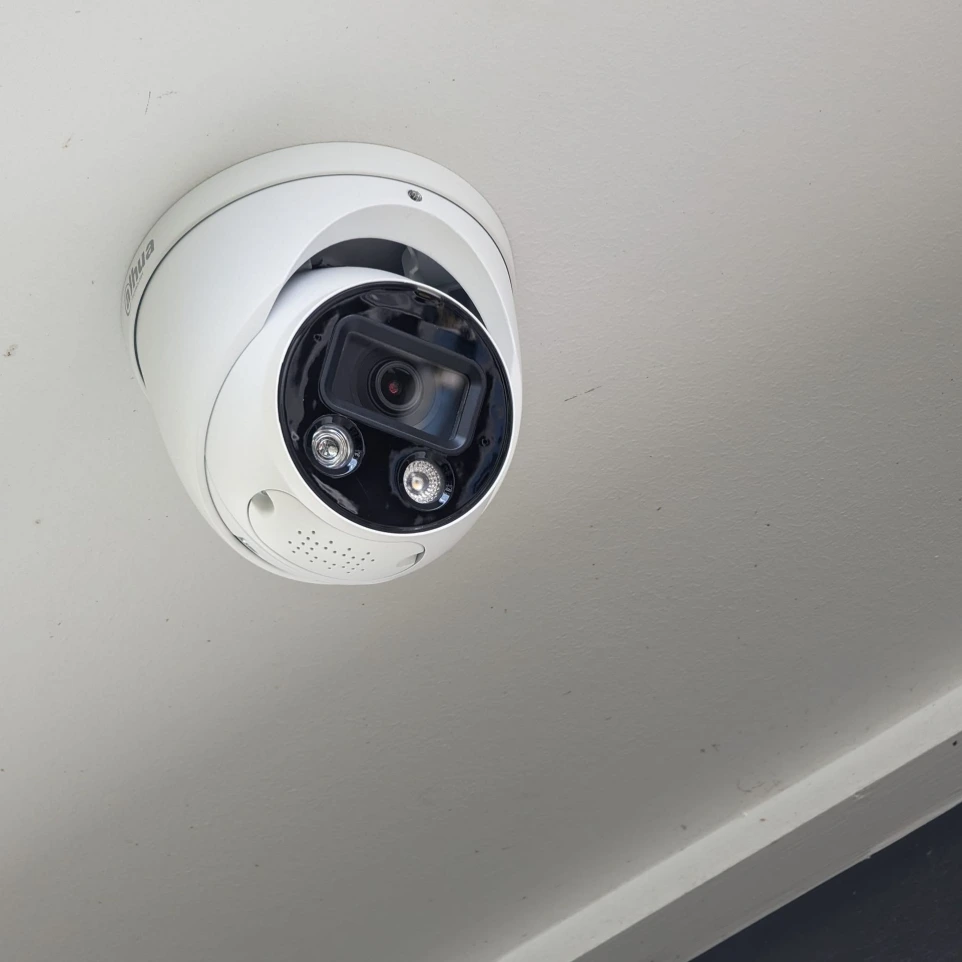
A proper CCTV job starts before a single bracket goes up. We walk the property with you to work out where cameras actually need to point: driveways, front and back doors, side gates, and any blind spots around sheds or fence lines, rather than just mounting units in the easiest spots to reach.
From there it's cable runs (through roof space where possible, external conduit where it isn't), mounting and aiming each camera, running everything back to a network video recorder (NVR), and configuring the recording schedule and motion zones. Once it's recording, we pair the system to your phone through the manufacturer's app, walk you through live viewing and playback, and only call the job finished once you're comfortable using it yourself.
Both brands are well-established NVR-based systems with strong night vision, reliable motion detection and mature mobile apps (Hik-Connect for Hikvision, gDMSS/DMSS for Dahua). Neither is a "budget" or "premium" brand across the board: both make everything from entry-level to high-resolution, wide-angle cameras. In practice, the decision usually comes down to three things: which specific camera and lens combination suits the distances and angles on your property, current pricing on the models that fit the job, and whether there's already an NVR on site running one brand. If so, staying with it avoids mixing systems and app logins.
There's no single number for "a CCTV system": the main drivers are the number of cameras, how long and difficult the cable runs are (roof access, brick vs weatherboard, whether conduit is needed outside), the NVR's channel count and storage size, and whether there's existing cabling or an old system we can partly reuse.
It helps to have clear access to the roof space or manhole, a decision on who else needs app access, a rough idea of how long you want footage kept, and a list of the specific spots you're most concerned about: a side gate, a shed, a car parked on the street. If there's an existing alarm system or cabling already in the roof, let us know so we can work around it rather than duplicate it.
The camera angle is the one people get wrong most: mounted too high, looking straight down at a footpath instead of at face height where it would actually identify someone. After that: cable entry points that aren't properly sealed and let water in over time; NVRs with barely enough storage to hold a few days of footage before it's overwritten; WiFi-only cameras that drop out during a storm at the exact moment they're needed; and systems with no local recording at all, leaving footage entirely dependent on an ongoing cloud subscription.
Local detail on housing stock and typical Logan install jobs.
View CCTV in LoganCoverage for Brisbane homes, units and businesses.
View CCTV in BrisbaneHigh-rise and gated community considerations for the coast.
View CCTV on the Gold CoastEntry-point protection to back up your camera coverage.
Explore alarm systemsSee and speak to visitors at the door or gate.
Explore intercom installationA stable network connection so cameras don't drop out.
Explore WiFi and data cablingYes. Every system is set up with the manufacturer's mobile app before we leave, so you can check live footage or scroll back through recordings from your phone, whether you're in the next room or interstate.
It depends on the number of cameras, the resolution you record at, and the storage size of the NVR. We size the storage to the retention period you want: most residential jobs keep somewhere between one and four weeks, commercial sites often want longer.
Yes, both. A home job might be four cameras covering the driveway and doors. A commercial job might be a dozen cameras across a warehouse, loading dock and office, feeding one NVR with a longer retention window.
Both are established, NVR-based systems with solid night vision and motion detection, and both have mature mobile apps. The practical difference on most jobs comes down to which camera and lens options suit the site, current pricing, and whether there's an existing NVR on the property already running one brand. Matching it avoids compatibility issues.
The property address, whether it's residential or commercial, roughly how many entry points or areas you want covered, and whether mobile viewing matters to you. A few photos of the areas you're worried about help us scope it before we even arrive.
Tell us about the property and the areas you want covered, and we'll come back with options that fit.